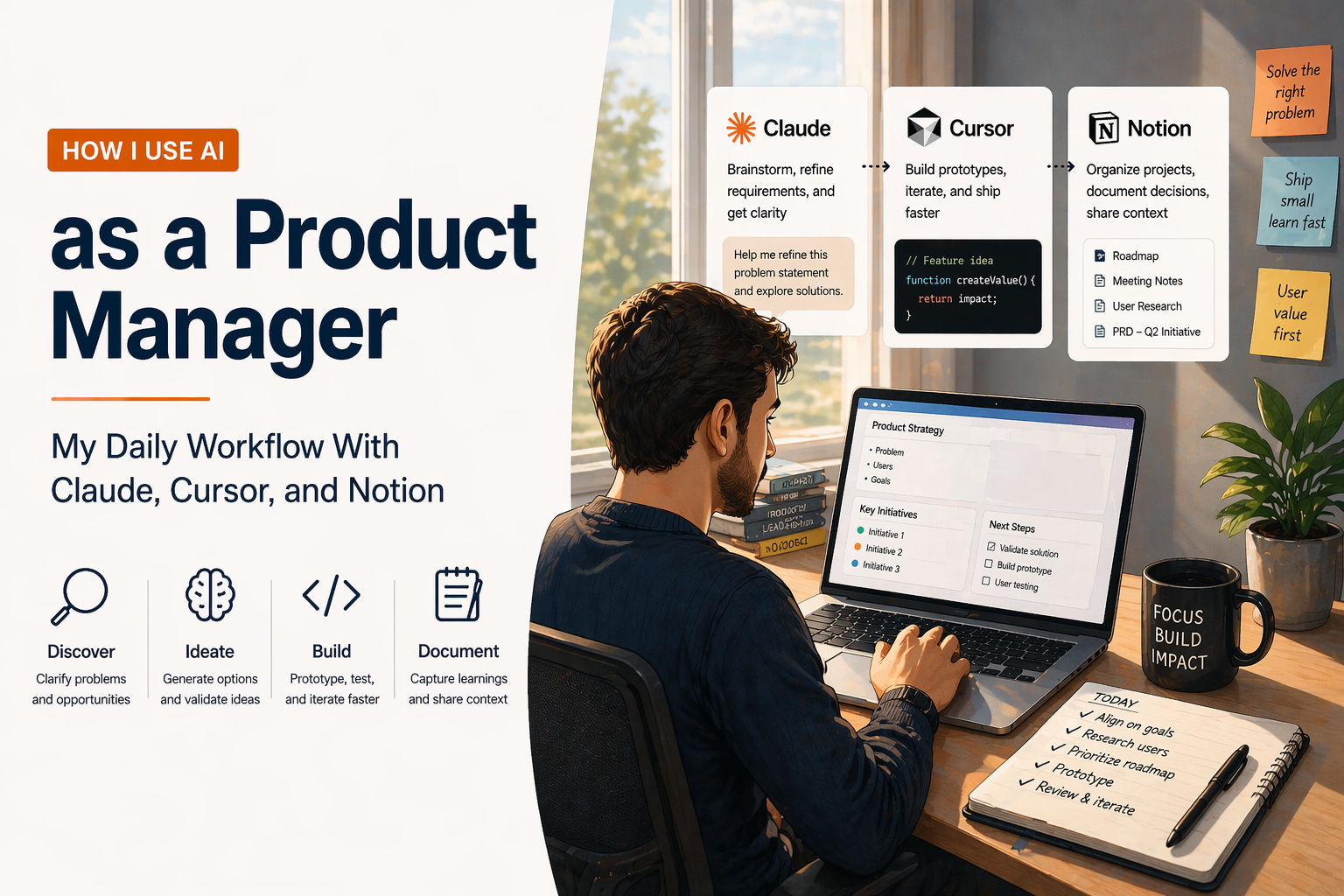
How I Use AI as a Product Manager: My Daily Workflow With Claude, Cursor, and Notion
30-second summary available
AI didn't give me more hours. It gave me back the hours I was wasting on work that machines do better than humans. Here's the actual workflow.
My calendar used to be 6 hours of meetings, 2 hours of writing specs, and whatever was left for actual product thinking. Now it's 2 hours of meetings, 90 minutes of prototyping, 30 minutes of AI-assisted spec writing, and 4 hours of strategy, discovery, and user conversations. AI didn't give me more hours. It gave me back the hours I was wasting on work that machines do better than humans.
Knowledge workers spend roughly 30% of their workday on tasks that AI can automate — reporting, documentation, basic analysis, status updates. For Product Managers, that number is higher. This post isn't a tool review. It's a walk-through of how I actually use Claude, Cursor, Notion, and a handful of other AI tools across a real work week as a Product Consultant.
In This Post
- Why this post exists
- My daily stack: what I actually use
- Morning: the first 90 minutes
- Discovery and research: how AI changed what I find
- Spec writing: from 2 hours to 20 minutes
- Prototyping: the workflow that changed everything
- Stakeholder communication: less deck, more demo
- The weekly rhythm: how it all fits together
- What AI can't do for me (and what I protect)
- The bottom line
Why This Post Exists
Most "AI tools for PMs" articles are written by people who don't actually use these tools in PM work. They list 15 products, describe what each one does, and move on. That's a product catalogue, not a workflow.
This post is different. I'm a CSPO-certified Product Consultant working across enterprise SaaS, EdTech, and no-code platforms. I manage products for real clients. I write specs, run discovery sessions, prototype features, and present to stakeholders. Every tool in this post earns its place by saving me time on real work — not by looking impressive in a screenshot.
My Daily Stack
Here's what I actually open every day and what each tool does in my workflow:
| Tool | What I Use It For | When I Use It |
|---|---|---|
| Claude | Thinking partner, spec drafting, research synthesis, prototyping, feedback analysis | All day — my default AI assistant |
| Cursor | Editing code, in-file AI assistance, working inside existing codebases | When I'm iterating on a prototype or fixing something in production |
| Notion | Product specs, roadmaps, meeting notes, knowledge base, project tracking | Documentation hub — everything lives here |
| Lovable | Full-stack prototyping with real databases and authentication | When I need a shareable, testable prototype |
| Supabase | Backend for prototypes and production — database, auth, storage, APIs | Every project that touches data |
| Apollo.io | B2B lead sourcing, outreach sequencing, contact enrichment | Client acquisition and partnership outreach |
| Gamma | Presentations, investor decks, visual storytelling | When I need a deck in 10 minutes instead of 2 hours |
| Google AI Studio | Quick AI experimentation, testing prompts across models | When I'm exploring a new AI feature idea |
The principle: fewer tools, deeper usage. I'd rather know 8 tools extremely well than 20 tools superficially. Claude alone handles 60% of my AI-assisted work.
Morning: The First 90 Minutes
My morning routine has changed more than any other part of my day. Here's what it looked like before AI and what it looks like now.
Before (2023)
- Open email. Spend 30 minutes reading and replying.
- Open Slack. Spend 20 minutes catching up on threads.
- Open Jira. Spend 15 minutes triaging tickets.
- Open calendar. Realise I have 5 meetings starting in an hour.
- No time left for actual product thinking before the first meeting.
Now (2026)
First 15 minutes: Inbox triage with Claude. I paste my unread emails or Slack threads into Claude and ask: "Summarise what needs my attention today, what can wait, and what I can delegate." Claude returns a prioritised list. I action the urgent items and schedule the rest. This saves about 20 minutes of context-switching every morning.
Next 30 minutes: Research synthesis. If I ran user interviews yesterday, I paste the notes into Claude and ask: "What are the top 3 recurring pain points across these interviews? What surprised you? What should I investigate further?" Claude gives me a structured synthesis that would have taken me 90 minutes to produce manually. I review it, add my own observations, and paste the cleaned version into Notion.
Next 30 minutes: Prototype or spec work. This is protected time. Before any meeting starts, I spend 30 minutes on the most important product decision of the day — usually prototyping a feature I need to validate or drafting a section of a spec I need to ship. Claude Artifacts or Lovable for prototyping. Claude chat for spec drafting.
Last 15 minutes: Meeting prep. For each meeting on today's calendar, I ask Claude to generate a 3-bullet summary of what was decided last time, what's pending, and what I need to decide today. I pull context from my Notion notes. This means I walk into every meeting prepared, even if I haven't looked at the project in a week.
| Task | Before AI | With AI | Time Saved |
|---|---|---|---|
| Email/Slack triage | 50 minutes | 15 minutes | 35 minutes |
| Research synthesis | 90 minutes | 30 minutes | 60 minutes |
| Meeting prep (3 meetings) | 30 minutes | 15 minutes | 15 minutes |
| Morning prototype/spec work | 0 minutes (no time left) | 30 minutes | N/A — new time created |
Discovery and Research
This is where AI has the most impact on quality, not just speed. Discovery used to be limited by how much research I could personally consume. Now the bottleneck is asking the right questions, not processing the answers.
Competitive Analysis
Before: I'd spend half a day reading competitor websites, product pages, and reviews to produce a competitive landscape document. Now: I describe the competitive question to Claude — "I'm building a science lab equipment procurement platform for schools. Who are my competitors in India? What do they charge? What features do they offer?" — and get a structured first draft in 5 minutes. I then verify, add my own insights, and have a working competitive analysis in 30 minutes instead of 4 hours.
User Feedback Synthesis
Before: I'd manually tag themes across 20 user interview transcripts using sticky notes or spreadsheets. Now: I paste transcripts into Claude and ask for thematic analysis. Claude identifies patterns I might have missed because it processes all 20 transcripts simultaneously, not sequentially. My job shifts from "finding the patterns" to "validating and interpreting the patterns" — which is higher-value PM work.
Market Sizing
Before: I'd spend a day on Google, government databases, and industry reports to produce a TAM/SAM/SOM estimate. Now: I describe the market to Claude, ask for a structured sizing framework, then verify the numbers against primary sources. The AI handles the structure and calculation. I handle the judgement about which assumptions are reasonable.
The key insight: AI doesn't replace discovery. It compresses the analysis so I can spend more time on the actual conversations with users. The 4 hours I save on research synthesis become 4 hours of additional user interviews. That's the real value.
Spec Writing: From 2 Hours to 20 Minutes
This is the workflow that changed my daily rhythm the most. A typical product spec — covering problem statement, user stories, acceptance criteria, technical requirements, success metrics, and edge cases — used to take me 2-3 hours of focused writing.
My Spec Writing Workflow Now
Step 1: Context dump (3 minutes). I paste all relevant context into Claude — user interview notes, competitive analysis, existing product documentation, stakeholder requirements. Claude's context window is large enough to hold all of this simultaneously.
Step 2: Structured first draft (5 minutes). I prompt: "Based on this context, write a product spec for [feature]. Include: problem statement, 5 user stories with acceptance criteria, technical requirements for a Supabase backend, success metrics, and edge cases." Claude produces a complete first draft. It's about 70% right.
Step 3: PM judgement and editing (12 minutes). I review the draft and do the work that only a PM can do: reprioritise the user stories based on what I know about user pain levels, add edge cases Claude missed because they require domain knowledge, adjust the technical requirements based on actual infrastructure constraints, and sharpen the success metrics to things we can actually measure.
Step 4: Paste into Notion (1 minute). The final spec goes into our Notion workspace where engineering and design can access it.
Total: 20 minutes. The AI handles the structure and boilerplate. I handle the judgement and prioritisation. Neither of us could do the other's part well.
| Spec Section | What AI Does | What I Do |
|---|---|---|
| Problem statement | Drafts from context | Sharpens based on user conversations |
| User stories | Generates 5-7 stories with acceptance criteria | Reprioritises based on pain severity |
| Technical requirements | Lists standard requirements for the tech stack | Adjusts for actual infrastructure constraints |
| Success metrics | Suggests common SaaS metrics | Replaces with metrics we can actually measure |
| Edge cases | Identifies obvious edge cases | Adds domain-specific edge cases from experience |
Prototyping: The Workflow That Changed Everything
I covered this in detail in my post on why PMs should build prototypes, but here's the short version of how it fits into my daily work.
When I need a quick concept: Claude Artifacts. I describe a feature, Claude generates an interactive React component, I iterate through conversation. 30 minutes to a testable UI.
When I need a full-stack prototype: Lovable. I describe the app, Lovable builds it with a real Supabase backend, I share the URL with users and stakeholders. 60-90 minutes to a working app.
When I need to modify an existing codebase: Cursor. I open the project in Cursor, describe what I want to change in natural language, Cursor generates the code, I review and accept. This is where Cursor's inline editing — highlight code, describe the change, done — is genuinely faster than any other tool.
The rule I follow: prototype to validate, not to ship. If the prototype validates, I write a lightweight spec with the prototype as reference and hand it to engineering.
Stakeholder Communication
This is the under-discussed area where AI saves PMs the most frustration.
Status updates: I used to spend 30 minutes every Friday writing a status update. Now I ask Claude to generate a status report from my Notion project pages — decisions made, blockers, next steps, metrics update. I review and send in 5 minutes.
Presentations: Gamma generates a presentation from a single prompt. When a stakeholder asks for "a quick deck on where we are," I can produce something polished in 10 minutes instead of spending 2 hours in PowerPoint. The quality is good enough for internal stakeholders. For high-stakes external presentations, I still invest time in design and narrative.
Stakeholder demos: Instead of describing what a feature will do, I demo a working prototype. This is the single biggest communication improvement AI has enabled in my PM work. People respond to things they can see and touch. A 2-minute demo replaces a 20-minute explanation.
The Weekly Rhythm
Here's how a typical week looks:
| Day | Morning (90 min) | Core PM Work (4-5 hours) | AI-Assisted Tasks (1-2 hours) |
|---|---|---|---|
| Monday | Inbox triage + weekly priorities | Discovery calls, user interviews | Research synthesis in Claude |
| Tuesday | Prototype a feature for validation | Spec writing + engineering discussion | Spec first draft in Claude, prototype in Lovable |
| Wednesday | Review user feedback from prototype | Strategy work, roadmap decisions | Competitive analysis in Claude |
| Thursday | Meeting prep + stakeholder alignment | Stakeholder demos, cross-functional work | Status update in Claude, deck in Gamma |
| Friday | Retro on the week's decisions | Planning next week's discovery and builds | Document decisions in Notion |
The pattern: AI handles the preparation and documentation. I handle the conversations, decisions, and strategy. The ratio has shifted from 70% documentation / 30% strategy to 30% documentation / 70% strategy. That's the real transformation.
What AI Can't Do for Me
This section matters more than the tool list. Here's what I deliberately protect from AI:
User conversations. AI can synthesise what users said. It cannot have the conversation. The nuance, the body language, the thing they almost said but didn't — that's where product insight lives. I will never outsource user interviews to an AI summary.
Product judgement. Claude can suggest 7 user stories. Only I know that story #4 is the one that matters because a key enterprise client mentioned that exact problem twice last week. Prioritisation requires context that lives in my head, not in any document.
Stakeholder relationships. The trust that makes a VP say "I trust your roadmap recommendation" isn't built through AI-generated decks. It's built through consistently making good product decisions and communicating them honestly. AI can make my communication faster, but it can't make it more trusted.
Strategic thinking. "Should we go upmarket or expand horizontally?" "Is this a feature or a product?" "Will this market still exist in 2 years?" These are the questions only a PM should answer. AI can provide data and structure. It cannot provide the judgement.
The rule: if the task requires judgement, relationships, or creative insight, I do it. If the task requires processing, structuring, or drafting, AI does it. The line between the two is where PM skill lives.
The Bottom Line
AI hasn't changed what product management is. Good PM work is still about understanding users deeply, making strategic decisions under uncertainty, and shipping products that solve real problems. What AI has changed is the allocation of PM time. The hours I used to spend on documentation, analysis, and meeting prep are now hours I spend on discovery, strategy, and building.
The PMs who use AI best aren't the ones who automate the most. They're the ones who know which tasks to automate and which to protect. They let AI handle the preparation so they can focus on the decisions. They use prototypes to validate faster so they can learn faster. They draft specs in 20 minutes so they can spend the other 100 minutes talking to users.
AI didn't make me a better PM. It gave me the time to actually do the PM work I was always supposed to be doing.
Related reading on this blog: The AI Product Manager Roadmap 2026: Skills, Tools, and Career Path · Product Managers Who Vibe Code: Why PMs Should Build Their Own Prototypes · How to Use Claude to Build a Prototype and Iterate Into a Solid MVP